Straight to the tool
Tap a tool on the home screen and it's ready. There's nothing to set up first and no tutorial to sit through.

Split the class into teams, run a round of Pictionary, spin for a name, start a timer or pull up a game. Classistant opens straight to the tool you need, with no accounts and no Wi-Fi required.
Have a look around:
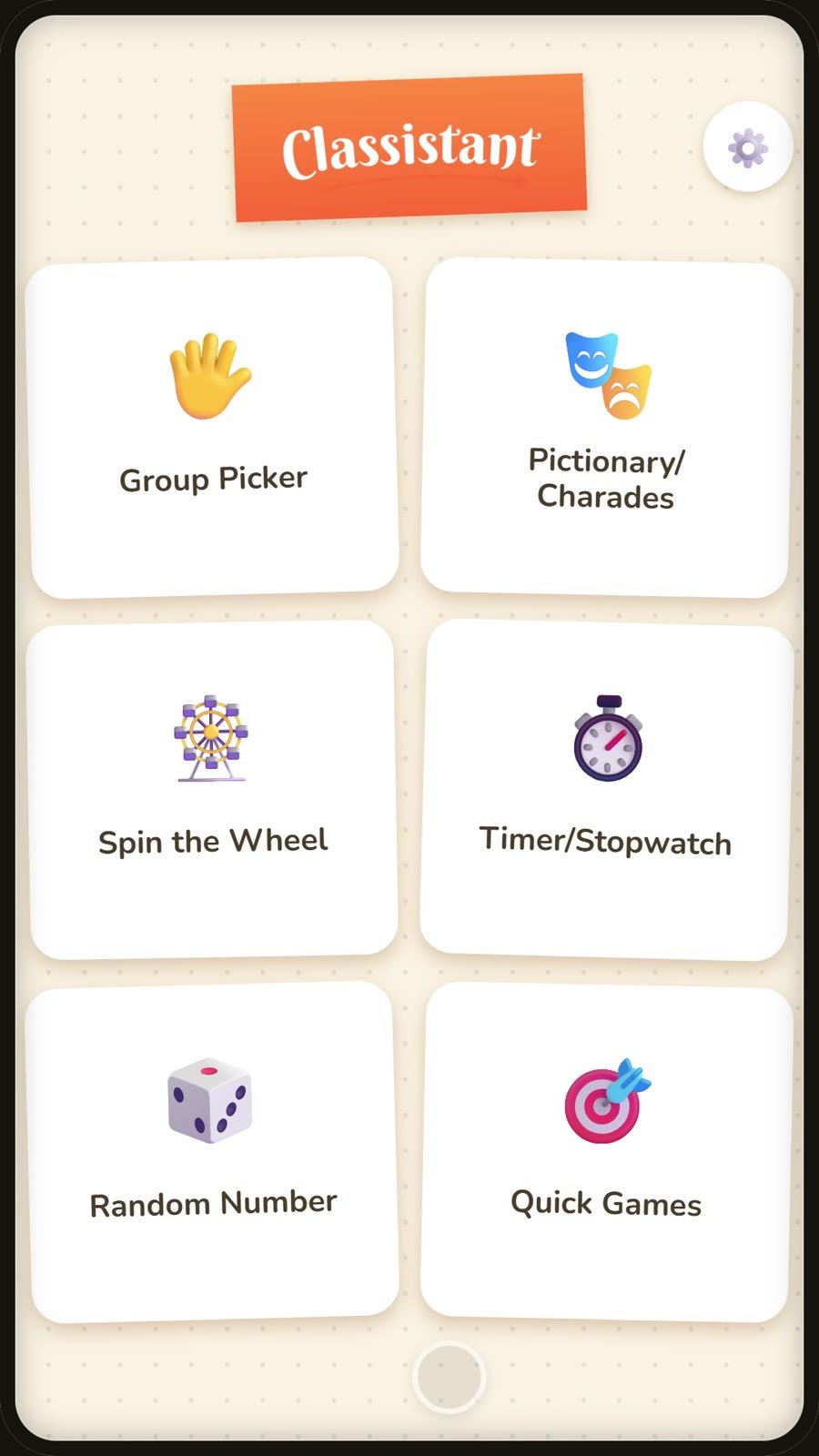
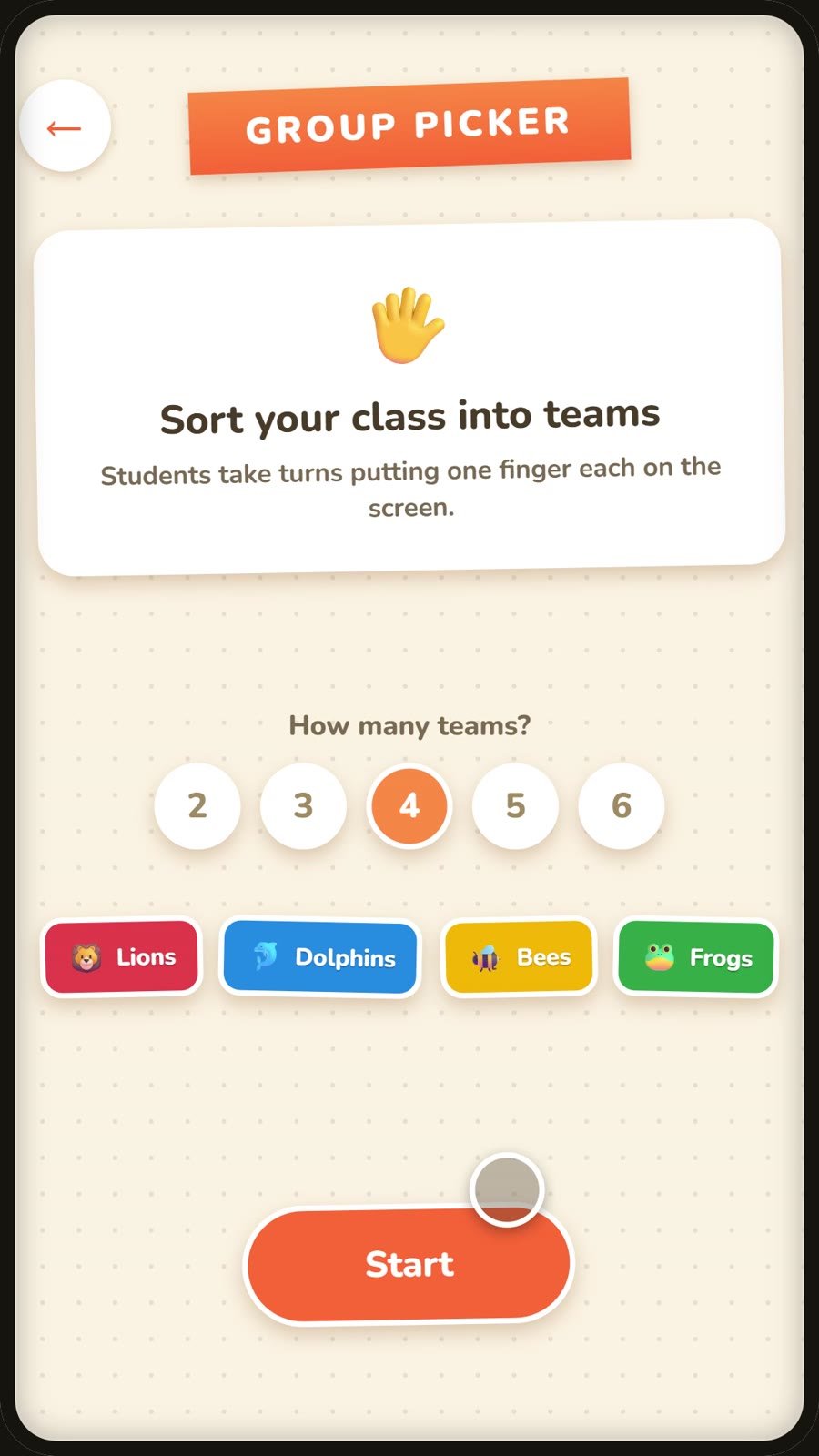
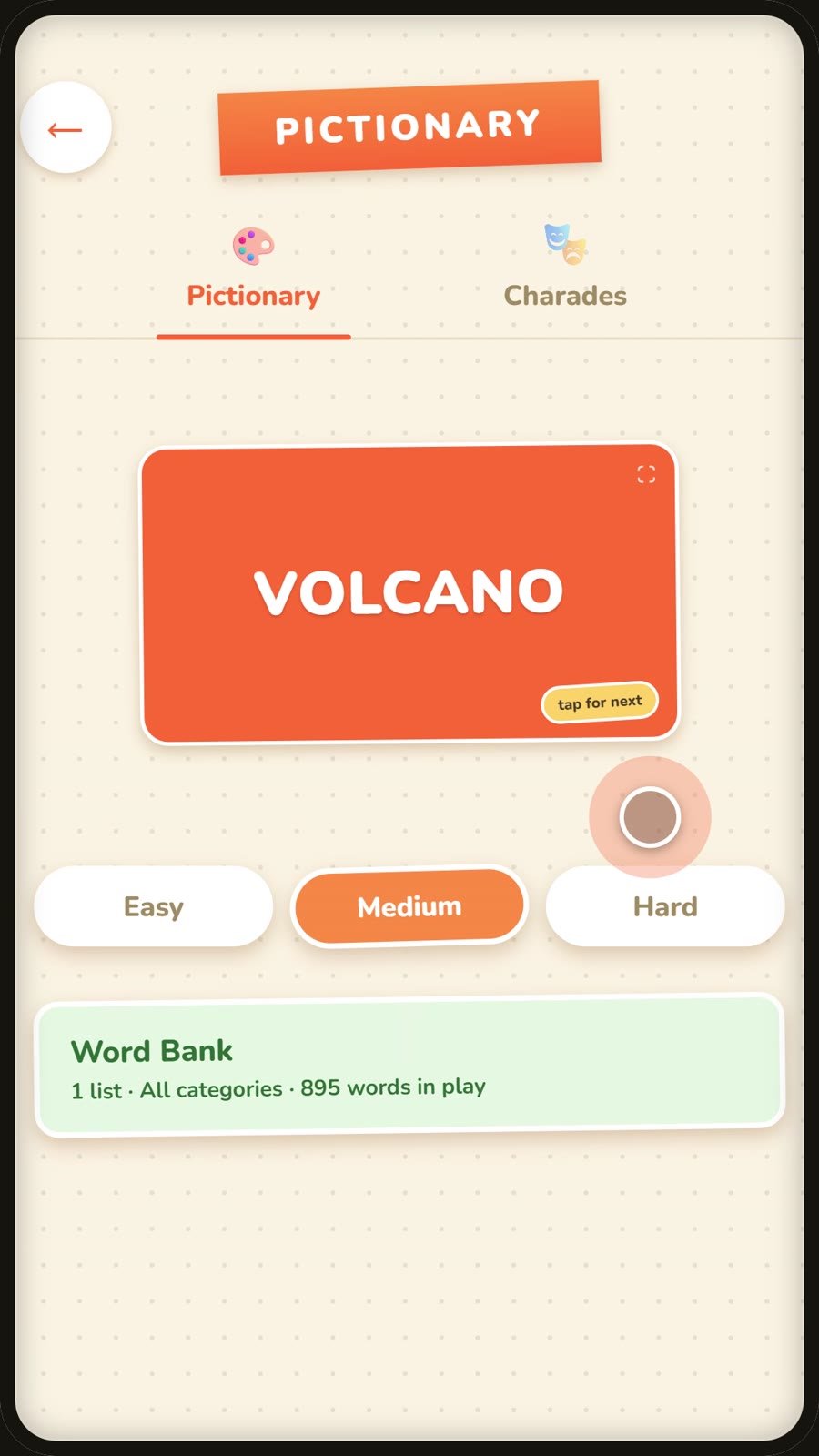
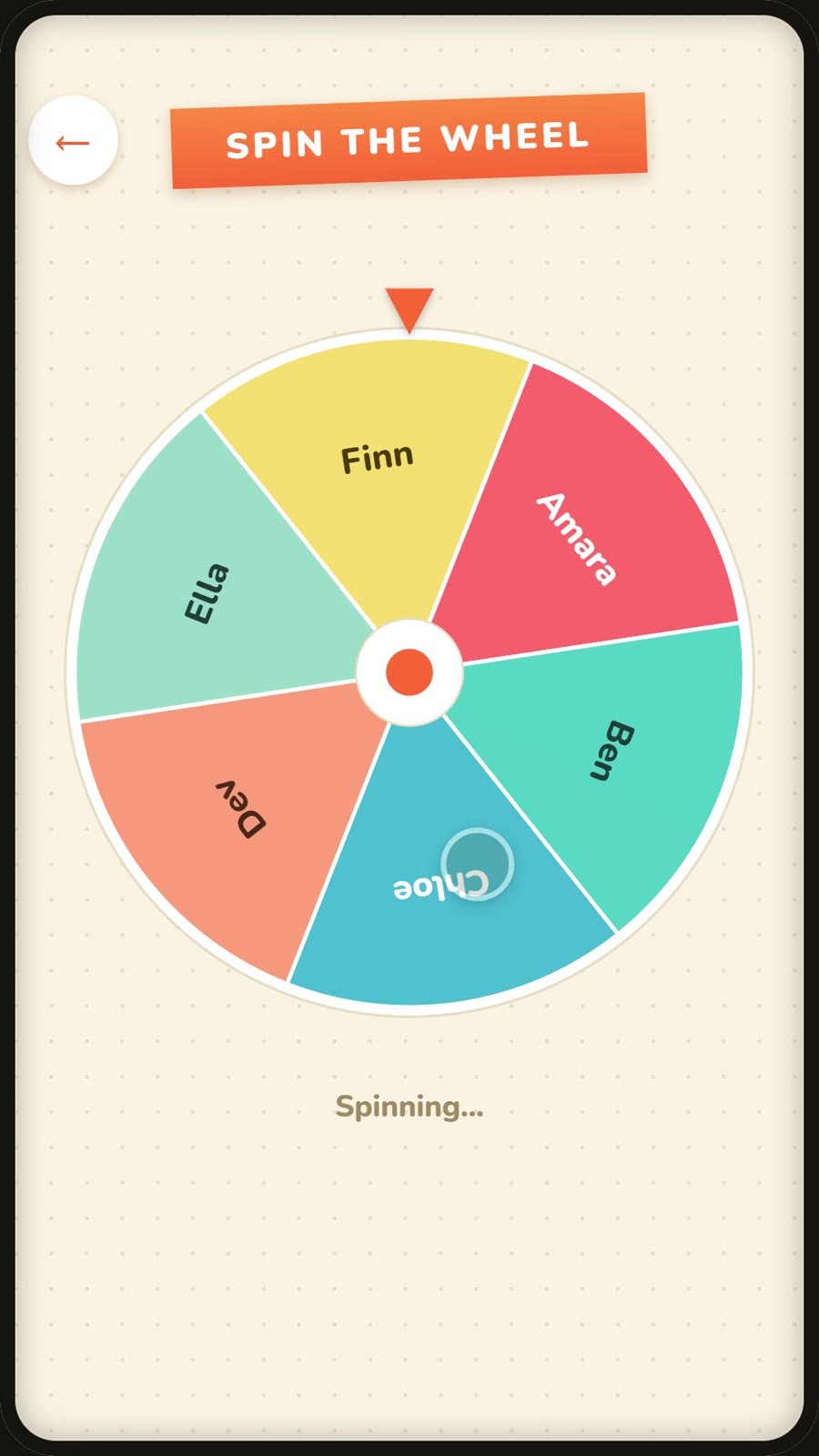
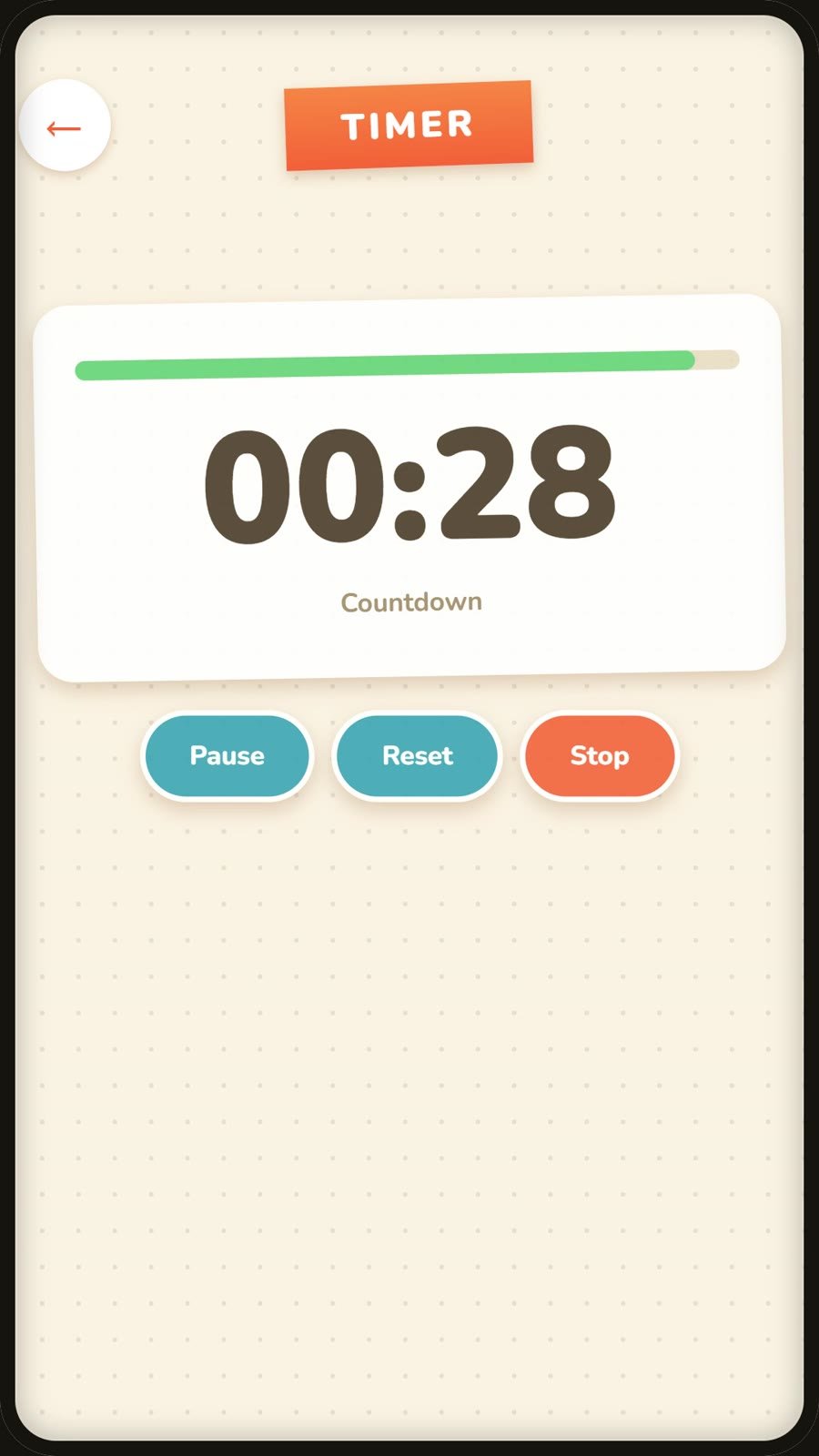
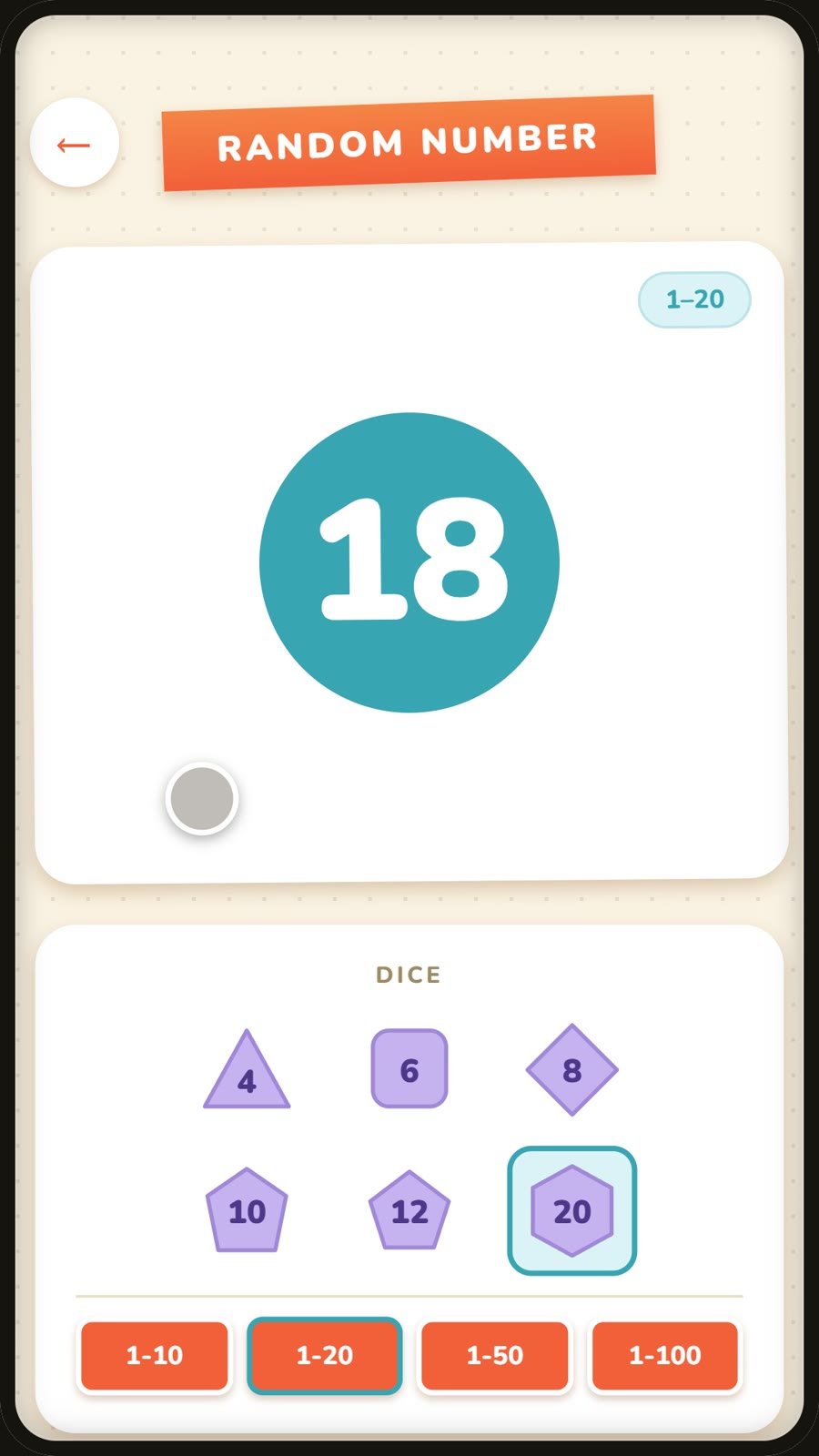
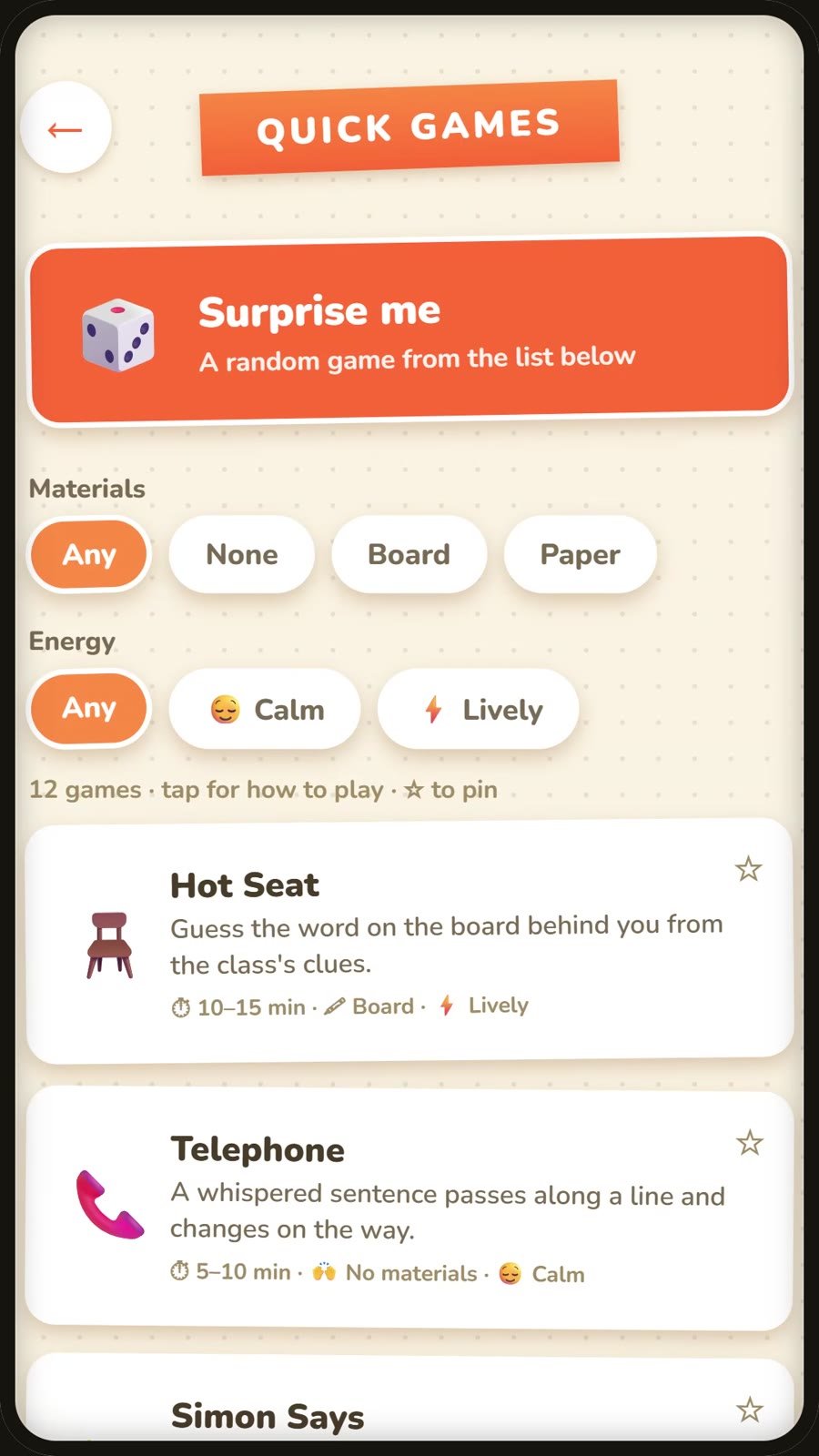
Each tool is one tap from opening the app, and remembers how you left it.
Students take turns putting a finger on the screen, and Classistant sorts them into 2 to 6 balanced teams. Long-press a team to change its name and colour.
Nearly 900 words graded Easy, Medium and Hard, plus a pop culture list. Choose which words are in play from the Word Bank, add your own, or import a CSV list a colleague has shared.
Build a wheel for student names, discussion questions, prizes or forfeits, and keep a set of them to swipe between. The wheel you used last is waiting when you come back.
Large digits the whole class can read, a progress bar that changes colour as time runs down, and an optional chime at zero. It keeps counting if you switch to another app.
Tap a die to roll it: d4, d6, d8, d10, d12 or d20. Set any range, save the ones you use often, and roll several numbers at once.
Fourteen classroom games with how-to-play instructions and a picture of the room during play, from Pictionary and Charades to Hot Seat and Simon Says. Filter by what you have to hand and how lively you want the room, or tap Surprise me and let the app choose.
Tap a tool on the home screen and it's ready. There's nothing to set up first and no tutorial to sit through.
Every tool runs offline, so a patchy school connection won't hold up the lesson.
Nobody signs up, teachers or students. Your wheels, word lists and settings stay on your phone.
The free version shows one banner ad, limited to content rated for general audiences.

Classistant is made by a working English teacher who also writes interactive lessons and teaches online. Find the lessons and classes at teachermike.uk.
Yes. Every tool is free, with a single banner ad. Premium is an optional one-time purchase that removes the ad and adds the Locker Door theme.
Yes. Classistant is on the App Store for iPhone, as well as on Google Play for Android.
No. All the tools work offline. The banner ad needs a connection to load, but nothing else does.
Nobody needs an account. Open the app and pick a tool.
Yes. Add your own words in the Word Bank, or import a CSV file, so colleagues can share lists with each other.
Use Feedback in the app's Settings, or email [email protected].
Free on Google Play for Android and on the App Store for iPhone.
